Translate PDF
Translated on the phone, without uploading it.
Translate all pages or one, and view the original, the translation or both. IBANs, numbers, emails and names stay unchanged and are marked. Save as PDF or text.
- On this phoneProcessed on this phone
- Airplane modeWorks in airplane mode
- No limitsNo size, page or daily limits
- Pro · try it once on a real file · €9.99 one-time
- Pages
- All pages
- View
- Translation
- Engine
- Language pack
IBANs, amounts and names are never translated.
A translation that changes an IBAN or an amount is worse than none. Dokulo keeps them as they are and marks them, so you can see they were left alone.
- Original · Translation · Both
- A fast language pack per pair (about 32 MB), or the larger model
- Side by side on tablets
A translation in four steps
- 1Open the document. From a tool tile, Home, a Next chip or another app’s share sheet.
- 2Pick the languages. All pages or one, and the engine: a language pack or the larger model.
- 3Let it translate. On the phone, page by page. Nothing is sent anywhere.
- 4Read and save. Original, translation or both. Save as PDF or text.
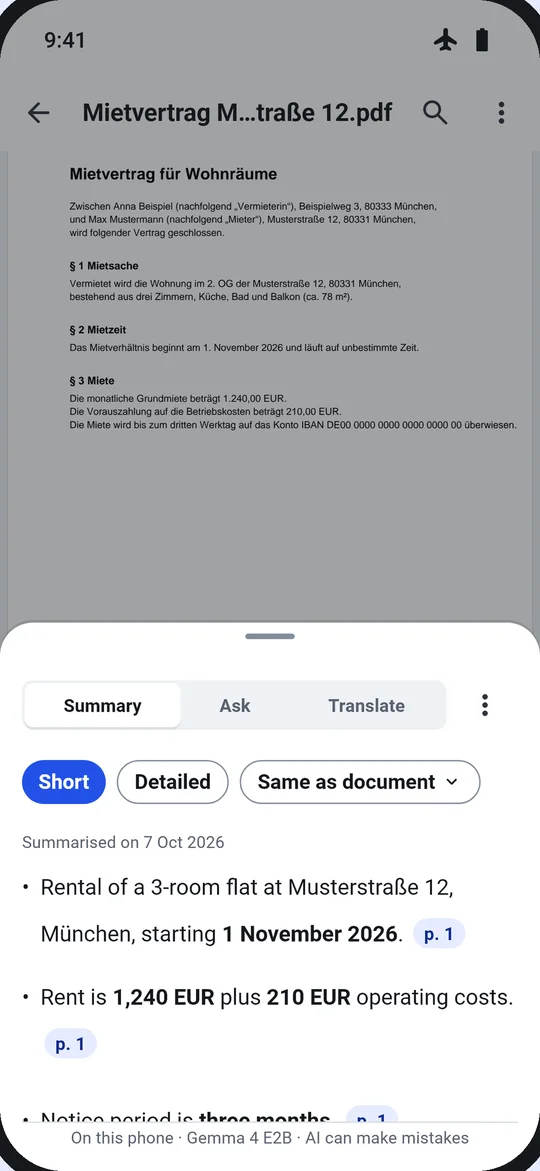
Options
- Pages
- All pages · This page
- View
- Original · Translation · Both
- Engine
- Language pack (about 32 MB) · Larger model
- Save as
- PDF · Text
Next
The result card suggests the next tool, so jobs chain without going back.
Questions
Is my document sent to an AI service?
No. The AI runs on the phone and reads only the open document. It can make mistakes, so check important details against the document.
What does it need?
A language pack per pair, about 32 MB each, or the larger model for the best quality. Downloads are once, over Wi-Fi by default.
Are numbers and names changed?
No. IBANs, numbers, emails and names stay unchanged and are marked.
Do I need Pro?
You can run it once on a real file and keep the result. After that, Pro unlocks it for good: €9.99, one-time, no subscription.